NXT Guide

Let's Change International Payments

General Help

Need assistance? Our support team is here to help. You can reach us using any of the options below.

Email Support (For Transaction Issues)

If you are experiencing a problem with a deposit, withdrawal, or payment, please email our support team:

love@nxtpay.io

Important:

To investigate any transaction, we require proof of payment from your bank or mobile money provider. Without this, we cannot trace your payment.

WhatsApp Support (General Support Only)

If you need quick help or have general questions, you can chat with one of our support agents on WhatsApp by clicking here.

Important:

  • - Do NOT use WhatsApp for transaction issues.
  • - Do not send proof of payments, screenshots, or files on WhatsApp.

For your safety and proper investigation, all transaction-related issues must be handled via email support.

Questions and Answers

Visit our Q&A section for a list of frequantly asked questions and answers by our customers.

Logging Into Your NXT Account

  • 1: Open the NXT app
  • 2: Enter your mobile number in international format (e.g., +27…)
  • 3: Enter your password
  • 4: Tap Login

If you have trouble accessing your account, select “Forgot your password” and follow the reset steps. A new password will be created for you.

Main Dashboard Overview

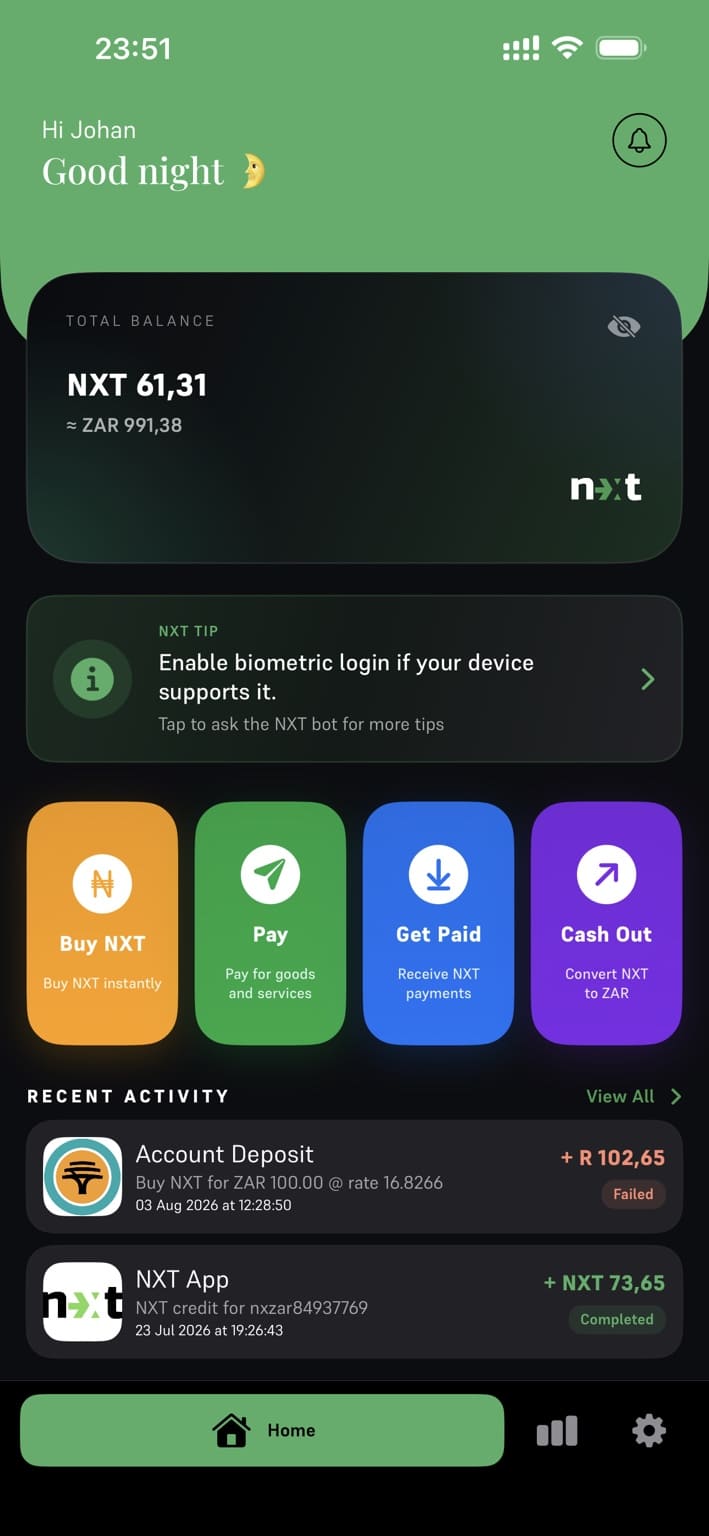
Once logged in, the main screen gives you quick access to essential features:

  • View Balance: Tap your NXT balance to see your value displayed in your local currency.
  • Buy NXT: Add money to your NXT account.
  • Convert to Fiat: Convert your NXT balance to your local bank or mobile money account.
  • Get Paid: Receive payouts from merchants worldwide.
  • Make Payment: Pay any Ethereum-enabled merchant globally—no crypto knowledge required.
  • Friends & Transfers: Add friends, send NXT, or request NXT from them.
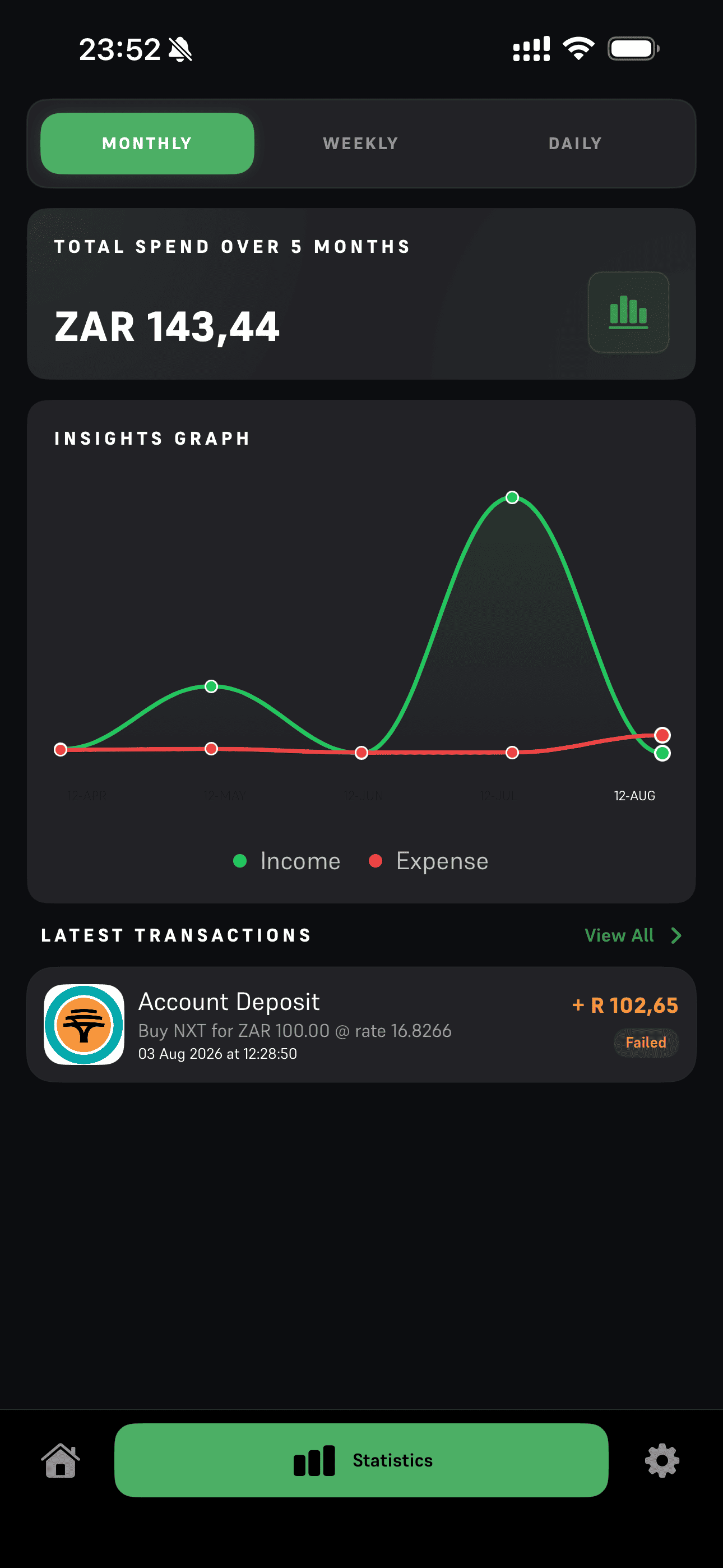
  • Transaction History: View all transactions by day, week, month, or full history.
  • Settings: Update personal info, request statements, or access support.

How to Buy NXT

Buying NXT is fast and easy—just three steps:

  • 1: Select Buy NXT and choose your preferred local payment method.
  • 2: Enter the deposit amount in your local currency
  • 3: Swipe the green button to start the payment and follow your provider's steps.

Your NXT balance will update automatically once the payment provider confirms the deposit—usually within minutes.

How to convert NXT into fiat

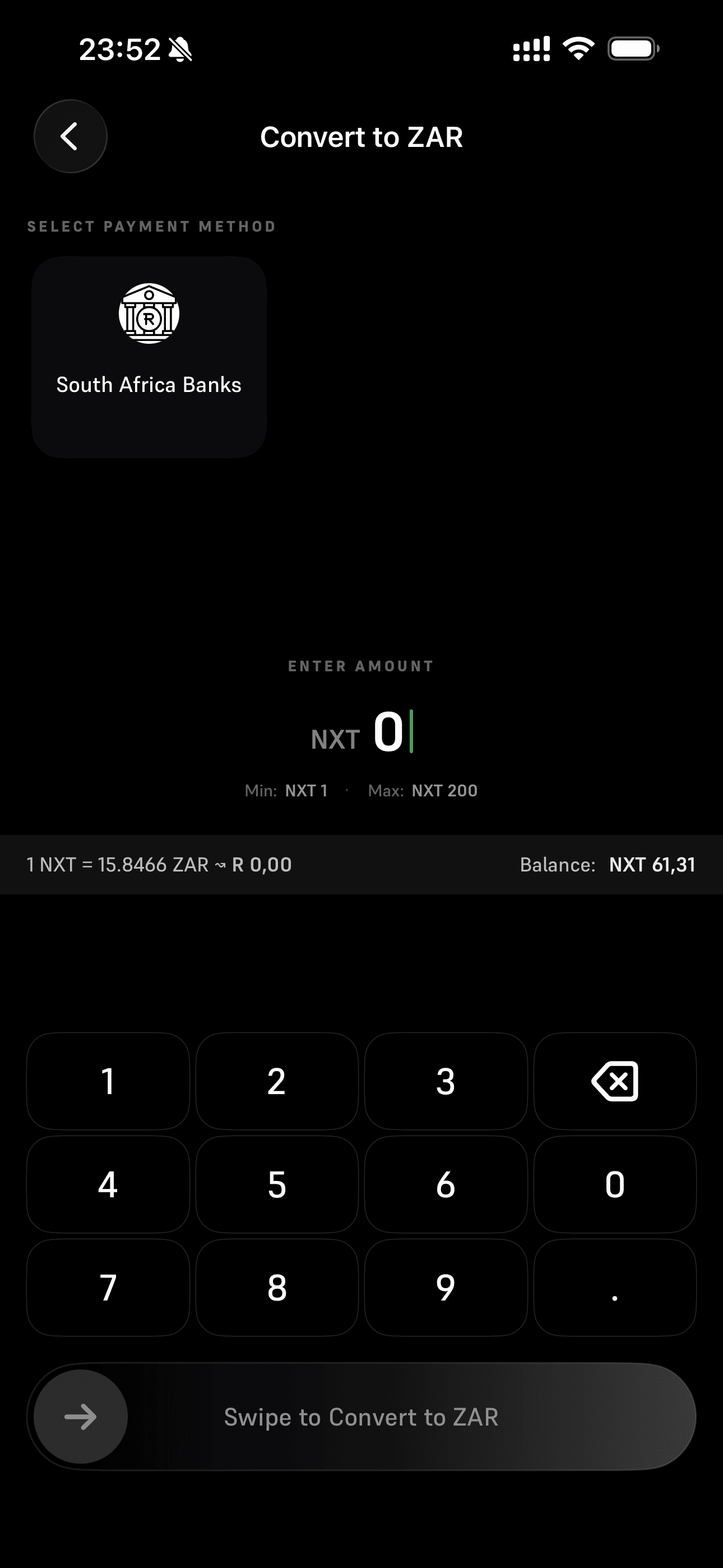
Turn NXT into local currency instantly:

  • 1: Select Convert to Fiat.
  • 2: Choose your preferred method:
  • - Bank transfer (you will enter your bank details), or
  • - Mobile money (no extra details needed if linked to your registered number).
  • 3: Enter the amount to convert in NXT
  • 4: Confirm the transaction.

Your funds will arrive within minutes, depending on your selected provider.

Important: Withdrawals cannot be cancelled or refunded once confirmed. Always double-check your details.

Get Paid by Merchants (Worldwide)

NXT makes receiving international payouts simple—even if you don't know anything about crypto.

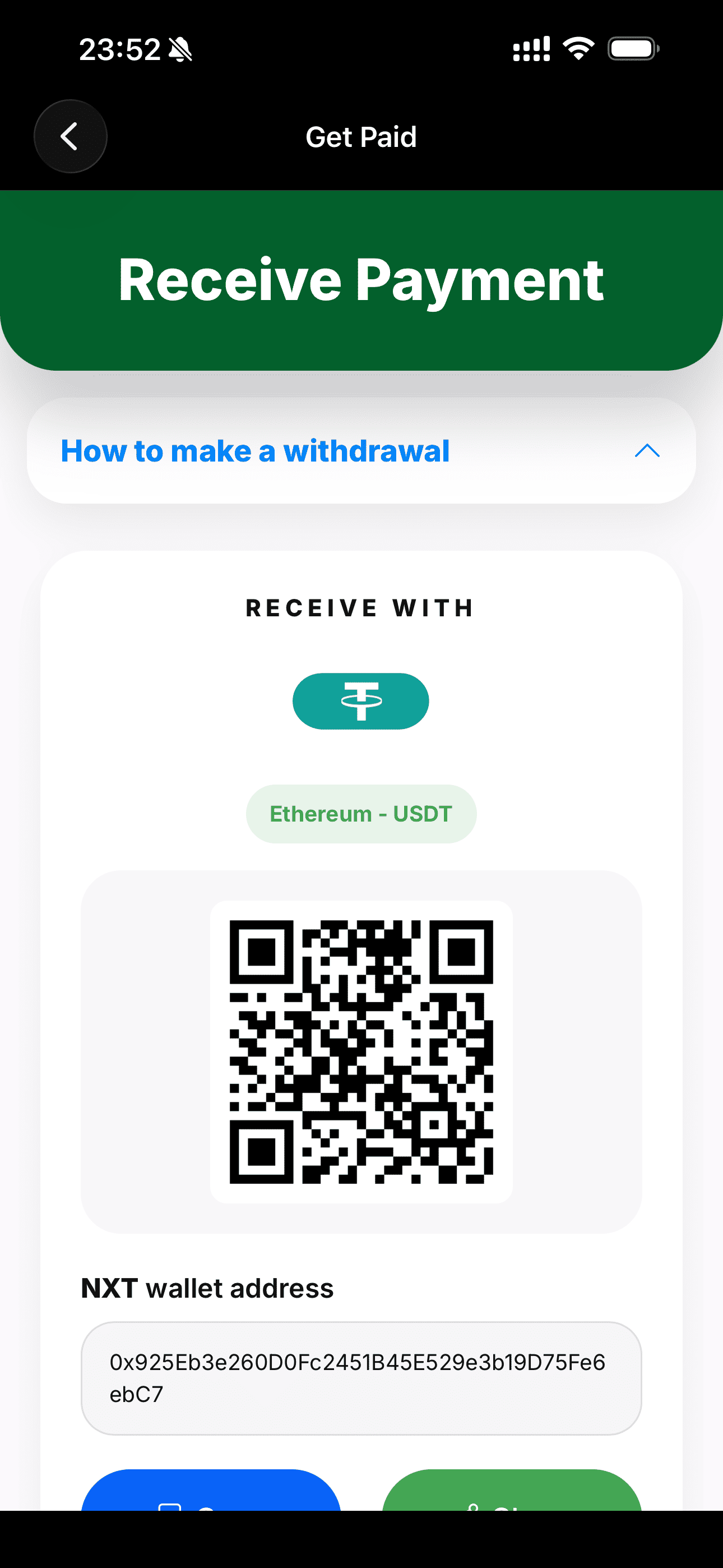
  • 1: At the merchant, select Ethereum - USDT as the payout method.
  • 2: Open NXT and copy your NXT wallet address or allow them to scan your QR code
  • 3: Follow the merchant's on-screen instructions.

Once the payout is confirmed by the merchant, your NXT balance will update instantly.

Important: Payouts sent to the wrong address cannot be reversed. Confirm your address carefully.

Make a Payment to Any Global Merchant

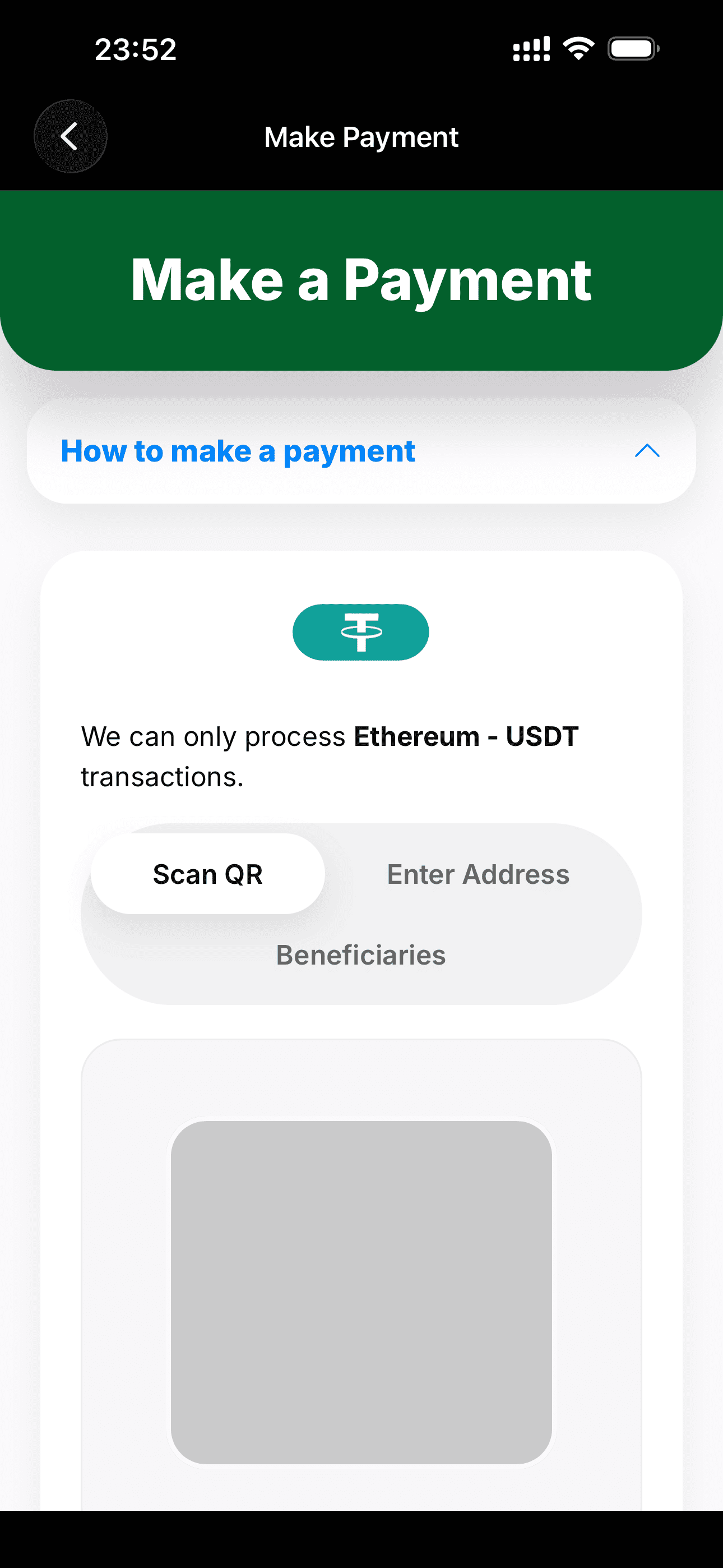
Paying an international merchant is simple with NXT:

  • 1: On the merchant's checkout screen, select Ethereum - USDT as the payment method
  • 2: Scan their QR code or paste their address into NXT.
  • 3: Enter the merchant name. This is for your records for future reference. You can add the merchant as beneficiary. This way you can make payments to this user without going to the merchant's website.

    IMPORTANT make sure your account address with the merchant does not change.
  • 4: Tap the green continue button

NXT will validate the address. If valid:

  • 4: Enter the amount in NXT.
  • 5: Tap the green continue button.
  • 6: Confirm the payment.

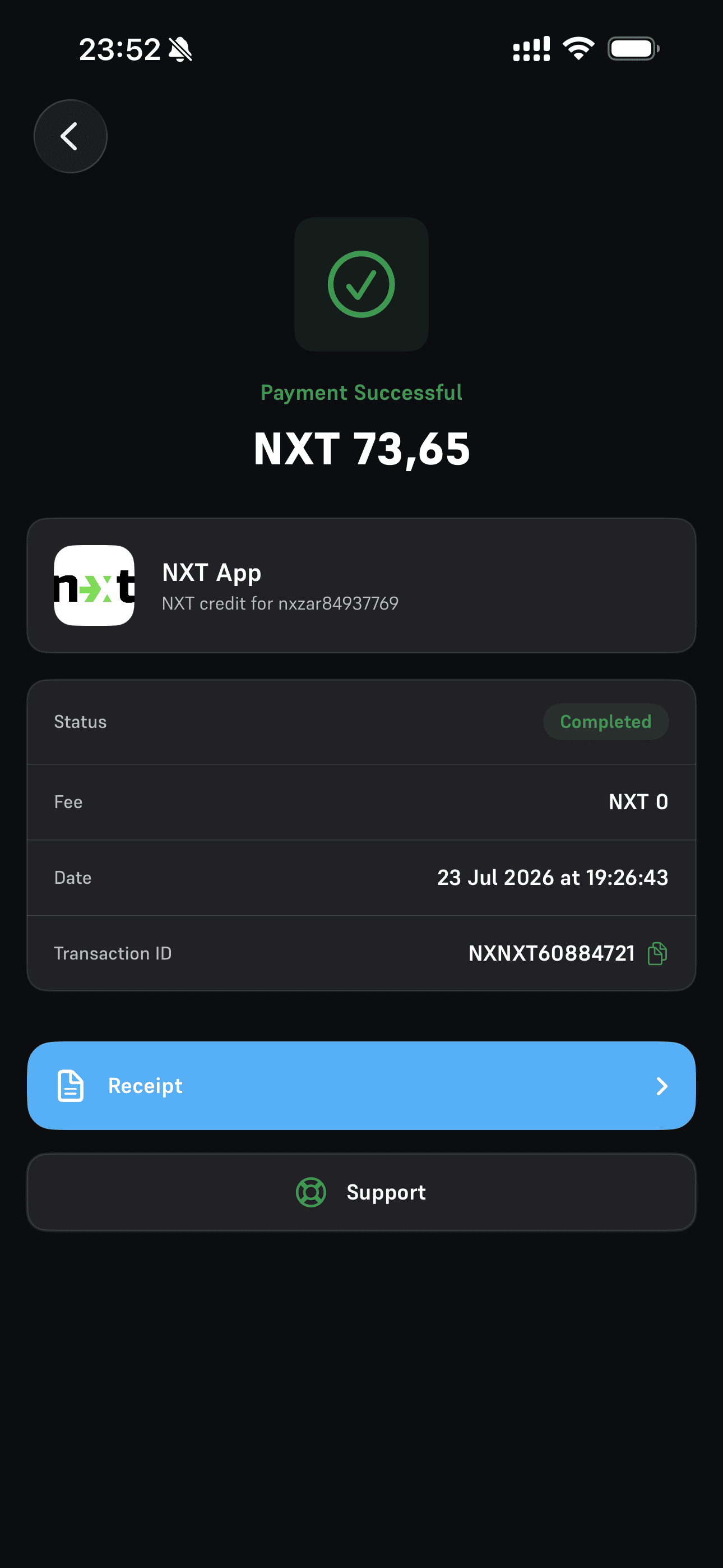
You will receive a confirmation once the payment is processed successfully.

Important: Payments to the wrong address cannot be refunded. Always verify the address.

Invite Friends to NXT

Invite friends to enjoy free payments and easier group transactions:

  • 1: On the home screen, tap Add New Contact.
  • 2: Tap Select Friends and grant NXT permission to access your contacts.
  • 3: Tap Select Friends again to open your contact list.
  • 4: Choose the friends you want to invite.

You can send invitations via WhatsApp, Telegram, SMS, or other chat apps. If a friend already uses NXT, they will receive a confirmation request.

Once accepted, you can freely send and receive NXT between each other.

Once you have selected all your friends you will be taken to a screen showing the results. Here you can send the invite per friend using your favorite chat app like WhatsApp, Telegram or SMS.

If the friend already has NXT install the friend will receive a message asking them to confirm the invite.

Once this is done you will be able to transact with your friend using NXT.

Having problems accessing your friend?

iOS

  • 1: Go to Settings > Privacy & Security.
  • 2: Tap Contacts, then tap on NXT
  • 3: Choose how much access to your contacts you're giving the app (below Contacts Access).
  • 4: If you're giving Limited Access, tap Edit Selected Contacts to choose individuals. Select or deselect individual contacts, then tap Done.

Android

  • 1: Open your phone's Settings app.
  • 2: Tap Apps (or "Apps & notifications," "Applications").
  • 3: Tap See all apps (if needed) and find NXT.
  • 4: Tap the app, then tap Permissions.
  • 5: Tap Contacts.
  • 6: Select Allow or "Allow only while in use" (depending on the app).

Send and Request NXT to a friend

To transfer NXT or request it from someone:

  • 1: Select the friend from your contacts list.
  • 2: Choose Send or Request.
  • 3: Enter the reason and the amount.
  • 4: Swipe the green button to submit.

If you send NXT, your friend receives it instantly.
If you request NXT, they'll receive an in-app notification.

Important: Transfers cannot be reversed. If you send NXT by mistake, you must ask your friend to send it back.

System Settings

In the Settings section you can:

  • Profile & Details Update your personal information as listed on the NXT app.
  • Change Password Update your login password securely.
  • Transaction Limits See all the NXT transaction limits for customers who completed the KYC process as well as the customers who did not complete the KYC process.
  • Download Statements Access statements for the current or past 3 months. Statements will be emailed to your registered email address.
  • Help Center Opens our online guide and Q&A document.
  • Customer Support Chat to our support AI on whatsApp for general support queries.
  • Recommend a Friend Invite your friends to join NXT and send or receive NXT from them for free.
  • Social Join our social family and tell everyone how much you love NXT.

Major International Sportsbooks & Casinos Accepting NXT

Below is a broad list of international sportsbooks and betting/casino platforms known to accept NXT deposits, and in most cases also support NXT withdrawals. Availability varies by jurisdiction.

Bookmakers

  • 1xBet
  • 1xCasino
  • Melbet
  • Paripesa
  • BetAndYou
  • 22Bet
  • BetWinner
  • LineBet
  • Mostbet
  • Megapari
  • BC.Game
  • PowBet
  • Fairspin
  • Betyetu
  • SpinBetter
  • BetonRed
  • Roobet
  • BetFury
  • Vave

Sportsbooks & Casinos

  • Stake
  • Sportsbet.io
  • Cloudbet
  • Thunderpick
  • BetPanda
  • TG.Casino
  • CoinCasino
  • Jackbit
  • Wild.io
  • FortuneJack
  • Crypto-Games.io
  • MyStake
  • Rollbit
  • Duelbits
  • MetaWin
  • Zunabet
  • Cybet
  • Thrill
  • mBit Casino
  • Nitrogen Sports
  • Bets.io
  • Bitcasino
  • Coins.Game
  • TrustDice
  • CryptoLeo
  • KingBilly
  • Gamdom
  • Shuffle
  • Coinplay
  • Bovada
  • BetOnline
  • MyBookie
  • SportsBetting.ag
  • Xbet
  • Pinnacle
  • BetUS
  • BUSR
  • Everygame
  • Heritage Sports
  • JazzSports
  • Intertops
  • Bookmaker.eu

Make an NXT Deposit on Bookmakers, Sportsbooks & Casinos

Here’s the typical process to make a deposit / placing a bet using NXT on one of the above mentioned Bookmakers, Sportsbooks & Casinos

  • 1 Create or log into your Bookmaker, Sportsbook or Casino account.
  • 2 Go to the Cashier / Deposit section.
  • 3 Select Cryptocurrency as the payment method.
  • 4 Choose Ethereum (ETH) from the crypto list.
  • 5 The Bookmaker, Sportsbook or Casino will generate:
    • an ETH wallet address, or
    • a QR code.
  • 6 Open your NXT application.
  • 7 Click on Make Payment
  • 8 Scan their QR code or paste their address into NXT.
  • 9 Enter the merchant name. This is for your records for future reference. You can add the merchant as beneficiary. This way you can make payments to this user without going to the merchant's website.
  • 10 Tap the green continue button
  • 11 Send ETH to the provided address.
  • 12 Wait for blockchain confirmations.
  • 13 Your balance appears in your Bookmaker, Sportsbook or Casino account once confirmed.

Withdraw using NXT from a Bookmakers, Sportsbooks & Casinos

To withdraw / cashout funds from one of the mentioned Bookmakers, Sportsbooks or Casinos using NXT, follow these steps:

  • 1 Log into your Bookmaker, Sportsbook & Casino account.
  • 2 Go to the Cashier / Withdraw section.
  • 3 Select Cryptocurrency.
  • 4 Choose Ethereum (ETH).
  • 5 Open your NXT application.
  • 6 Click on Get Paid
  • 7 Click on Copy to copy your NXT Ethereum address.
  • 8 Enter:
    • your NXT ETH wallet address, or
    • scan your NXT QR code.
  • 9 Enter the withdrawal amount you would like to withdraw.
  • 10 Confirm the request using:
    • SMS code,
    • email verification, or
    • Google Authenticator (depending on your security settings).
  • 11 Bookmaker, Sportsbook & Casino processes the withdrawal.
  • 12 Once approved, the ETH is sent to your NXT account.